

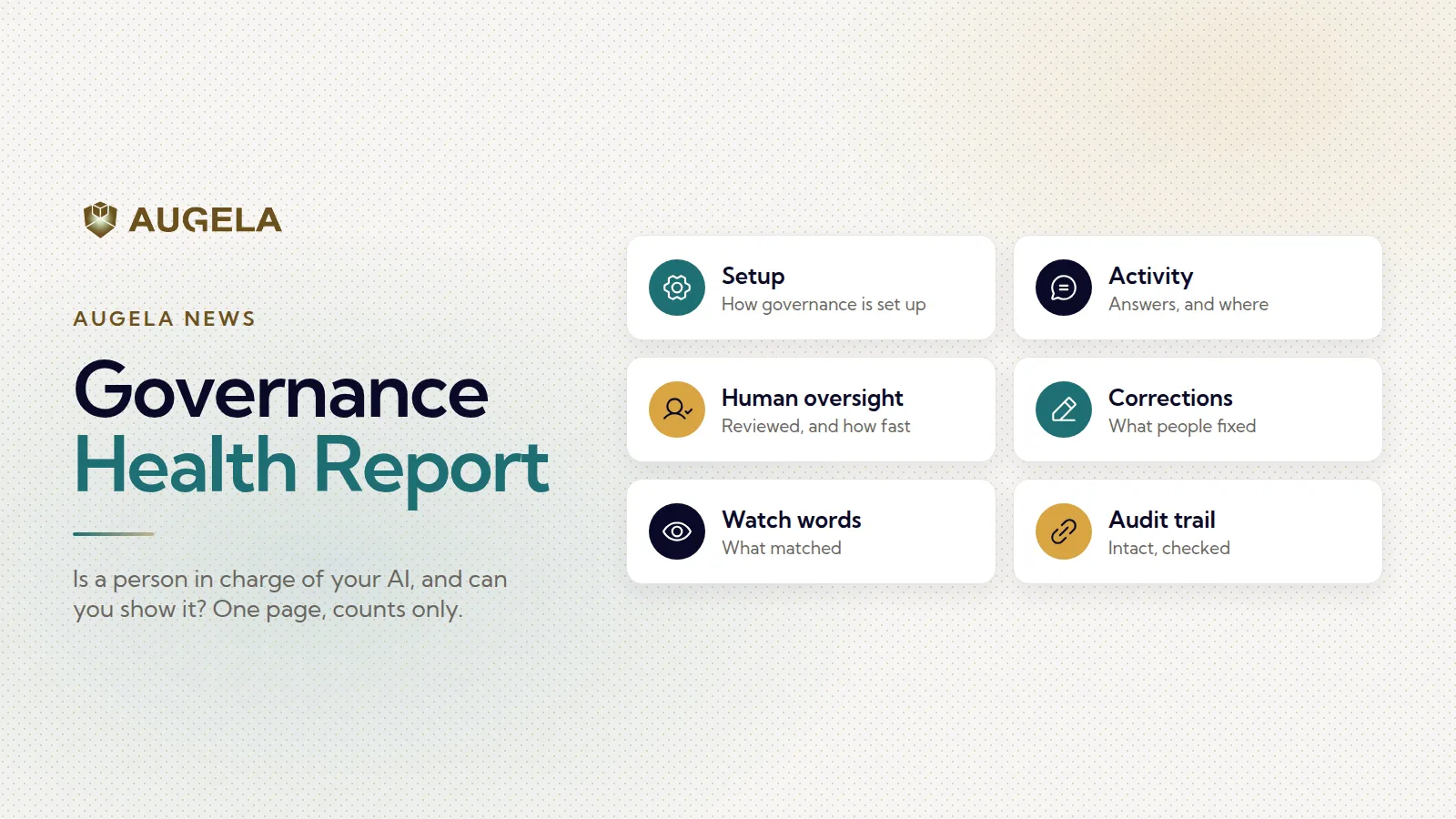
Sooner or later, management asks one question about the company’s AI: is a person in charge of it, and can we show it? From today, Augela answers that on one page. Here is that, and the rest of what shipped this month.
The Governance Health Report
The report shows six things, in the order management tends to ask them:
- Setup: how governance is set up today, who can review, and how many agents are live.
- Activity: how many answers the AI gave, and where: the workspace, your website, Slack.
- Human oversight: how many answers a person reviewed, and how quickly.
- Corrections: what people corrected or taught, so later answers improve.
- Watch word matches: which answers matched a watch word, and whether they were held or flagged.
- Audit trail: whether the record is intact.
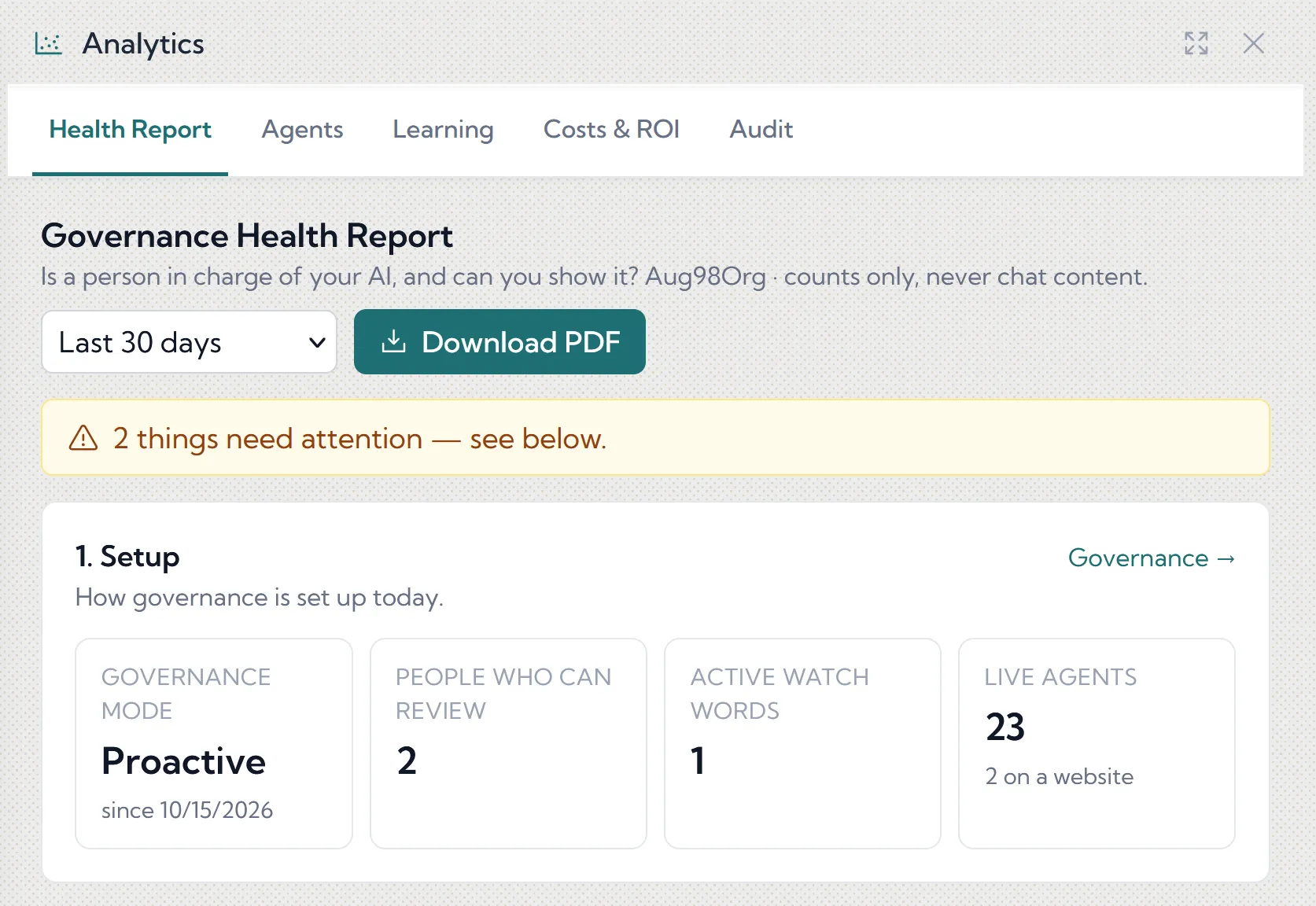
It tells you what needs attention, such as reviews left open for more than a week, rather than giving you a score to argue about. It uses counts only, never conversation content, so it can travel safely. Pick any period, compare it with the one before, and download it as a PDF to share or print. It shows human oversight; it is not a legal assessment, and the PDF says so.
It is on every plan. Company admins see it for the whole company, group admins for their own team. More on the Governance Health Report page.
Analytics at a glance
The cockpit now shows the last 30 days in one tile. Analytics itself is simpler and opens on the Health Report.
Your AI chat on your own website
Put your agent on your own website, in your own design. Embed the hosted chat, or build your own interface and connect it to the agent. You choose in Augela which websites may use it, and there is no technical setup needed on our side. Renteden’s “Zeptej se” chat is a live example: it answers visitors with live prices and availability.
Built-in protection against misuse
A public chat needs limits, so they are built in:
- message limits per visitor and per day;
- a daily ceiling for the whole chat, with an email to you when it is reached;
- your own wording for what a visitor sees at a limit;
- an optional invisible bot check (Cloudflare Turnstile).
Visitors never have to give an email address. More on Deployment experiences.
A tidier fleet
Archive an agent, or a whole team, in one click. Anything archived can be restored within 30 days. And every agent now belongs to a team: new companies start with a Default group, and dragging an agent onto another team moves it, so it uses that team’s knowledge straight away.
Want to see it on your own content? Start free, no card required.

